 GPT Image 2
Tutorials
Step-by-step guides to creating and editing images and videos with GPT Image 2.
Genjutsu guides2026/10/08
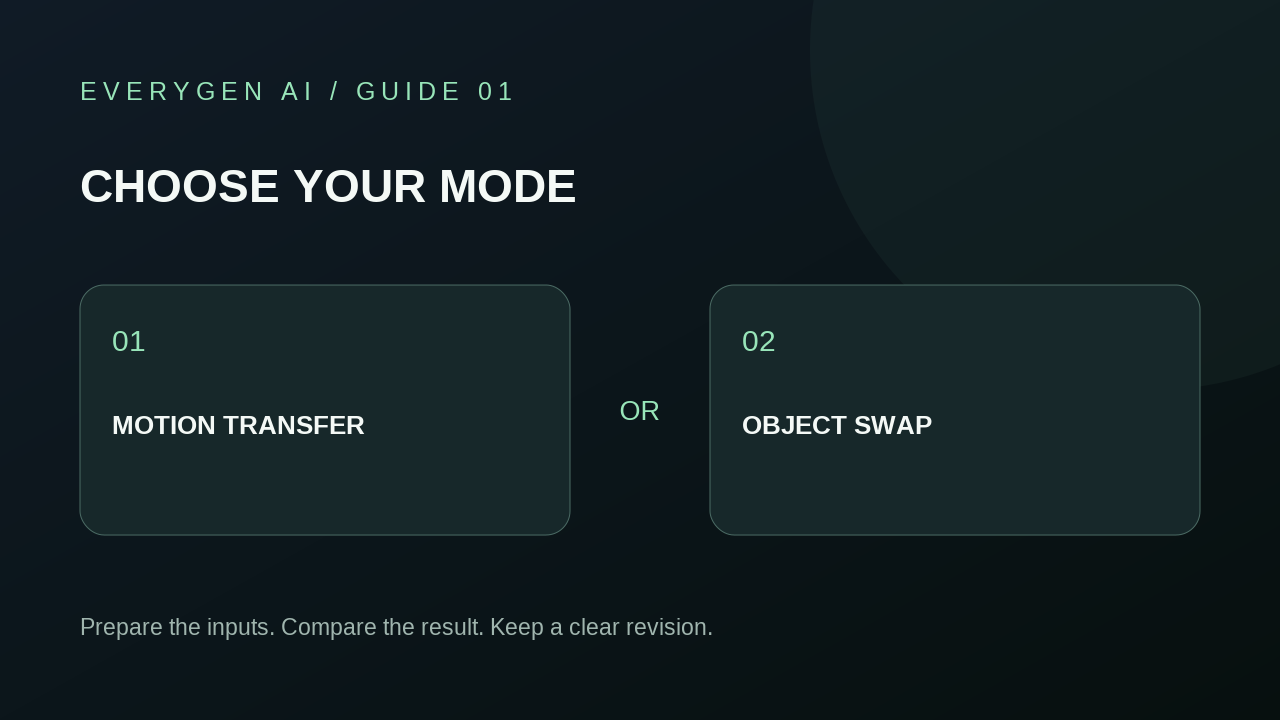
Genjutsu Motion Transfer or Object Swap: choose your starting point
Choose a mode by the change you want, prepare a comparison checklist, and reuse a complete preset in the Genjutsu workspace.
Genjutsu guides2026/10/08
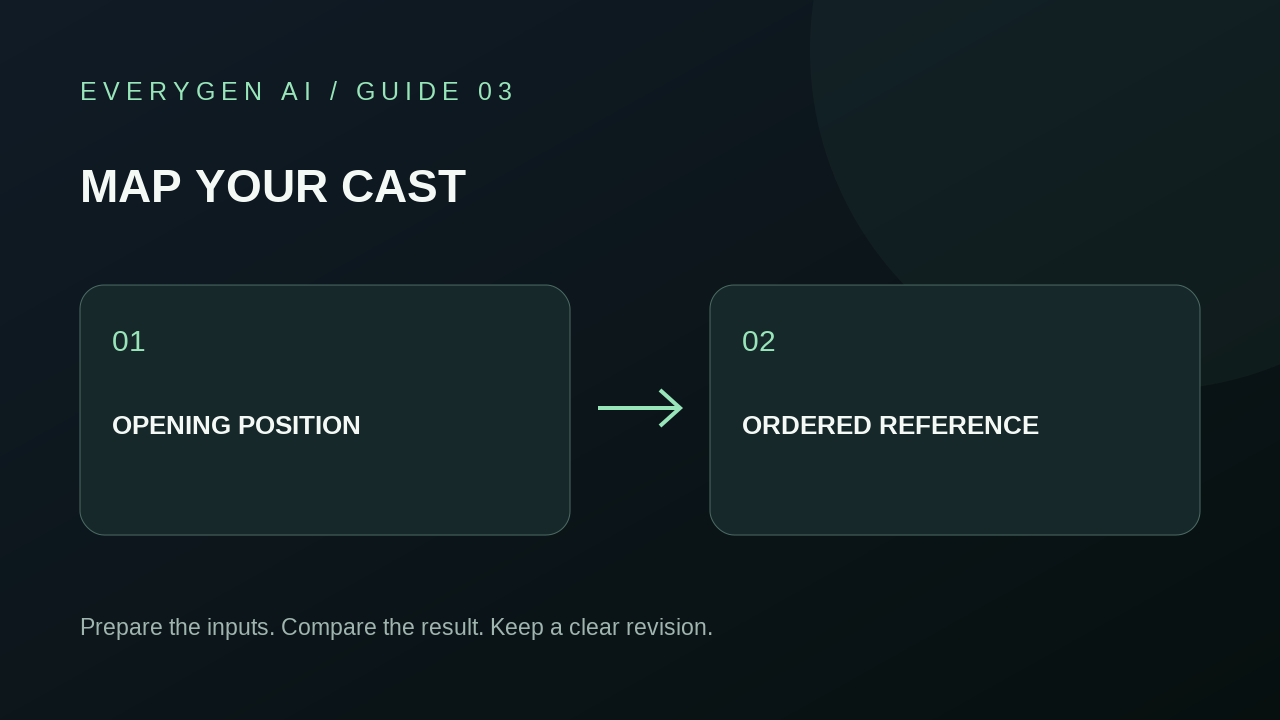
Map multiple Genjutsu characters to ordered references
Number characters by their starting positions, map each image to a role, and review overlaps and crossings in the source clip.
Genjutsu guides2026/10/08
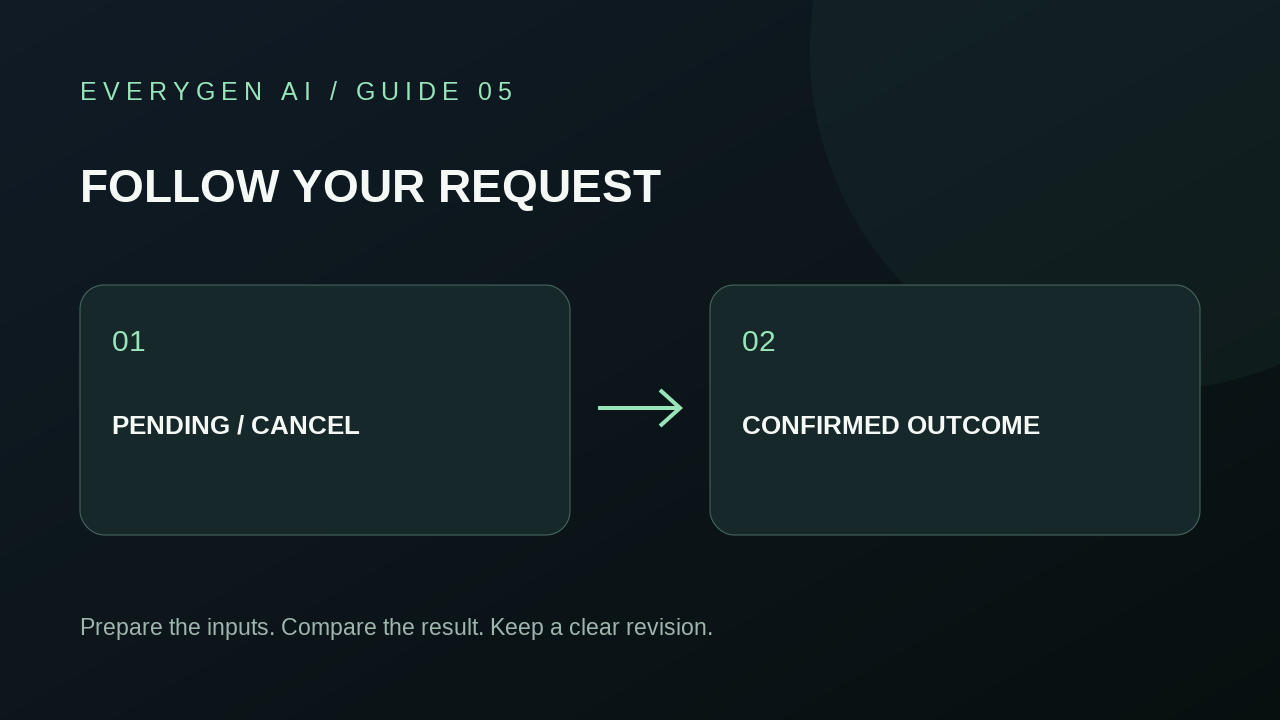
Genjutsu queued requests, cancellation and result review
Understand pending requests and cancel confirmation, avoid duplicate submission after a timeout, and review a completed remix.
Genjutsu guides2026/10/08
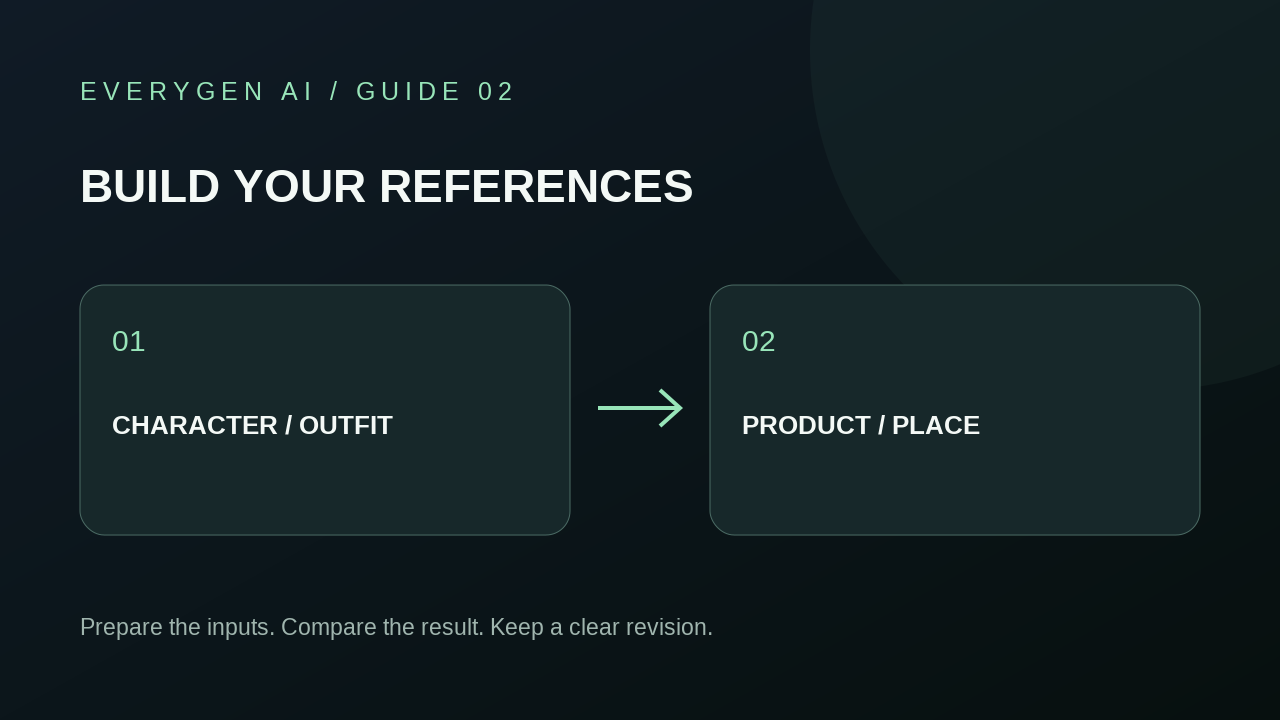
Prepare Genjutsu character, outfit and product references
Build a clear reference set, distinguish subject and scene roles, and inspect imported inputs before your next remix.
Genjutsu guides2026/10/08
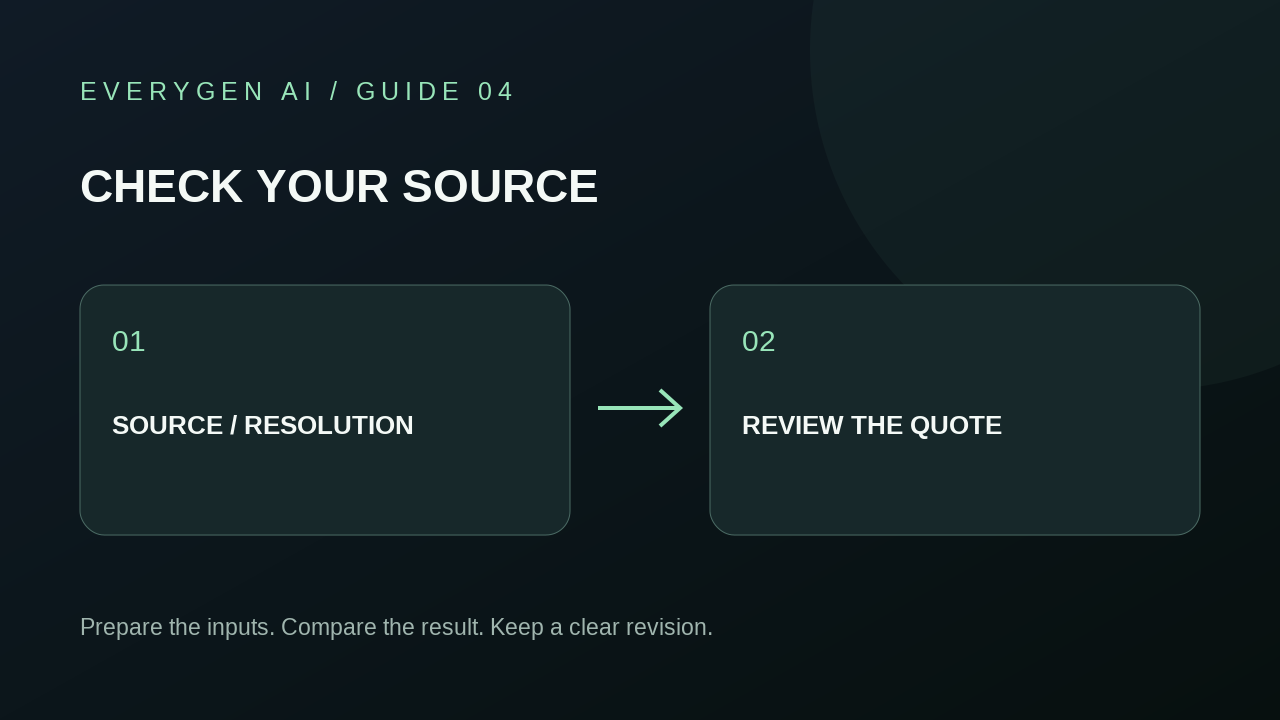
Check your Genjutsu source video, resolution and credit quote
Review source duration, Object Swap frame size, reference count and the quoted credits before submitting a Genjutsu request.
Tutorial2026/10/03
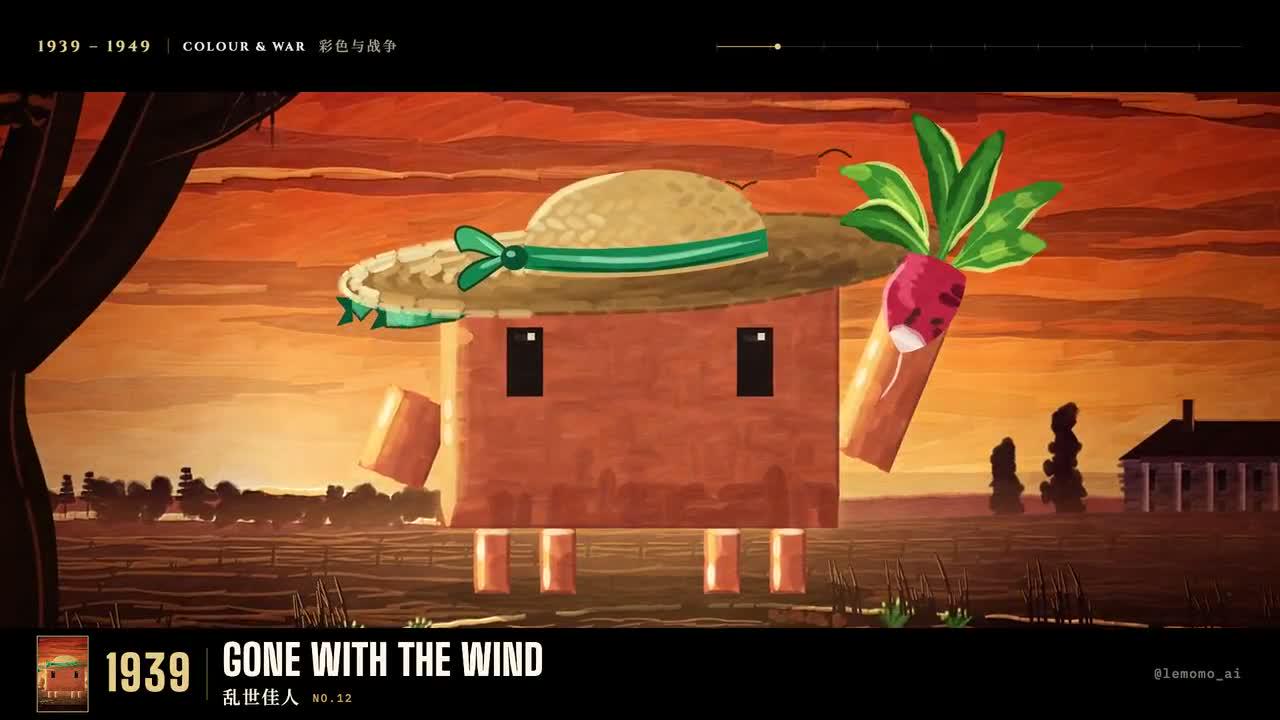
GPT Image 2 Opus 5.5 Guide: Best Picture Timeline
Study the illustrated Best Picture timeline with GPT Image 2. Inspect the reference source, timing, captions, and history checks before planning a motion project.
Tutorial2026/10/03
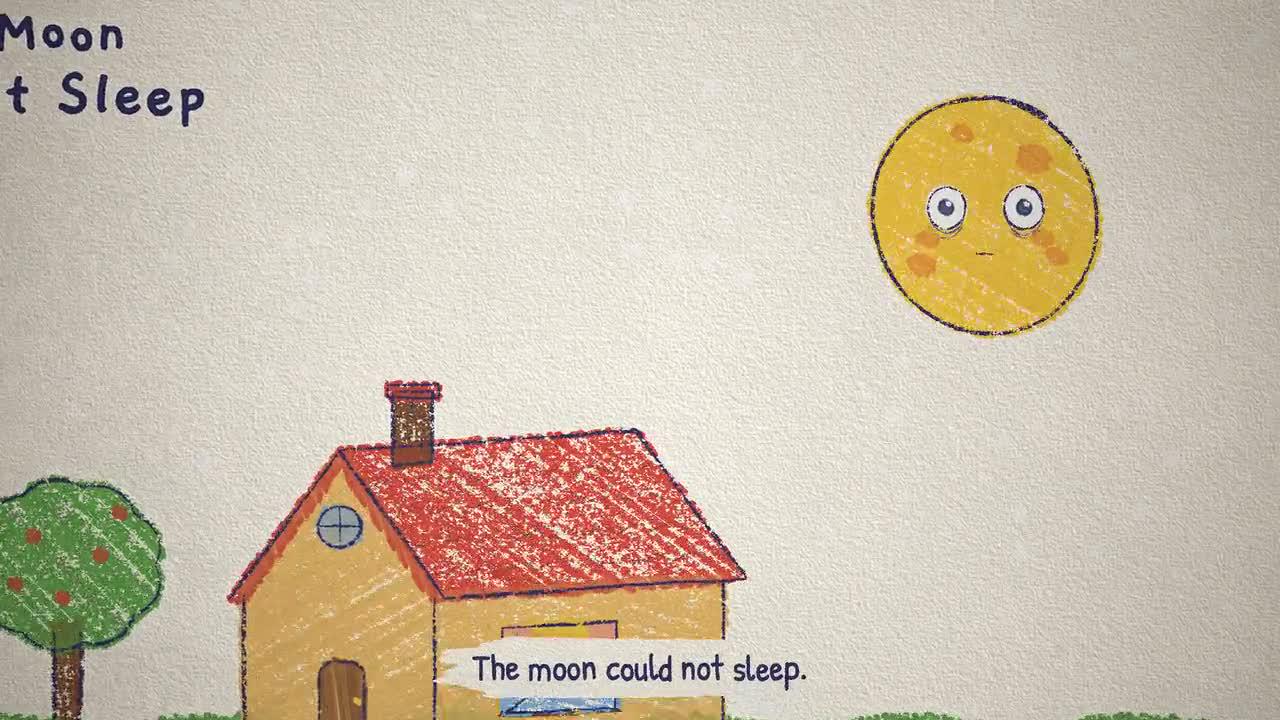
GPT Image 2 Opus 5.5 Guide: Crayon Picture-Book Motion
Study a crayon picture-book film with GPT Image 2. Review its story, source code, narration, and visual rhythm before planning a separate motion project.
Tutorial2026/10/03
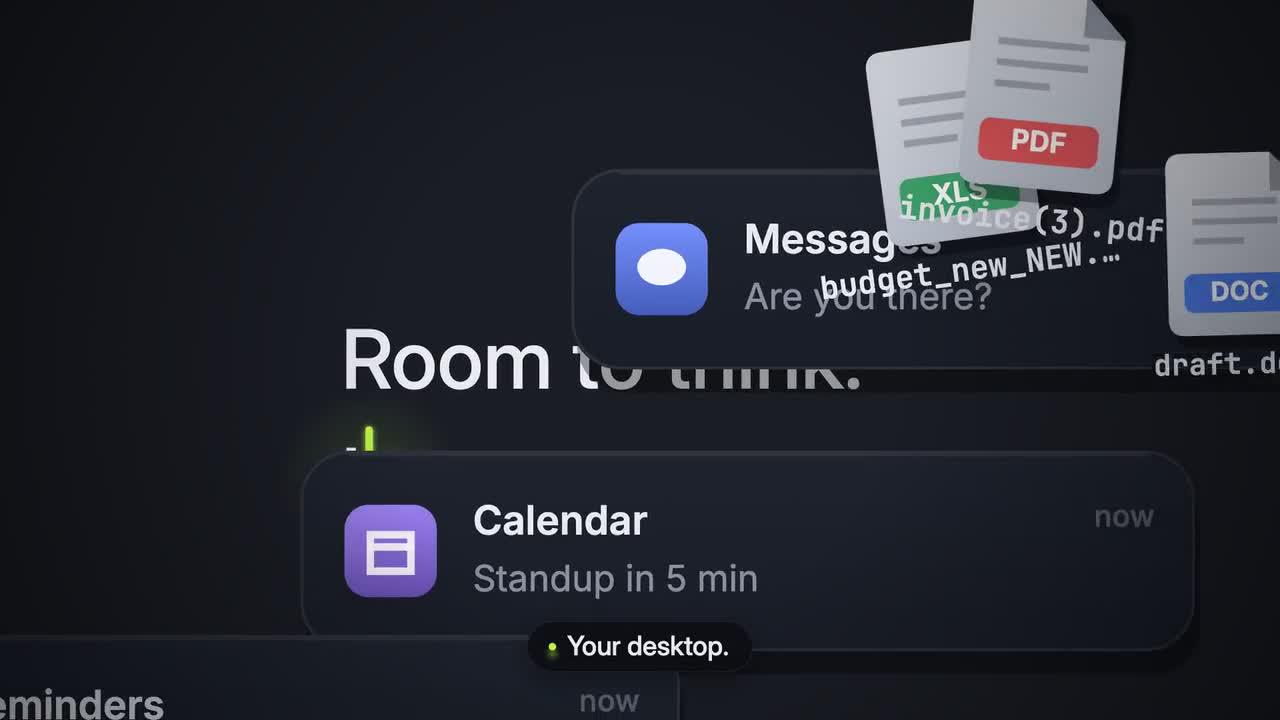
GPT Image 2 Opus 5.5 Guide: Dark Tech Launch Film
Study the fictional Tidy launch film with GPT Image 2. Review animated windows, type, source timing, and sound while distinguishing reference code from the web tool.
Tutorial2026/10/03
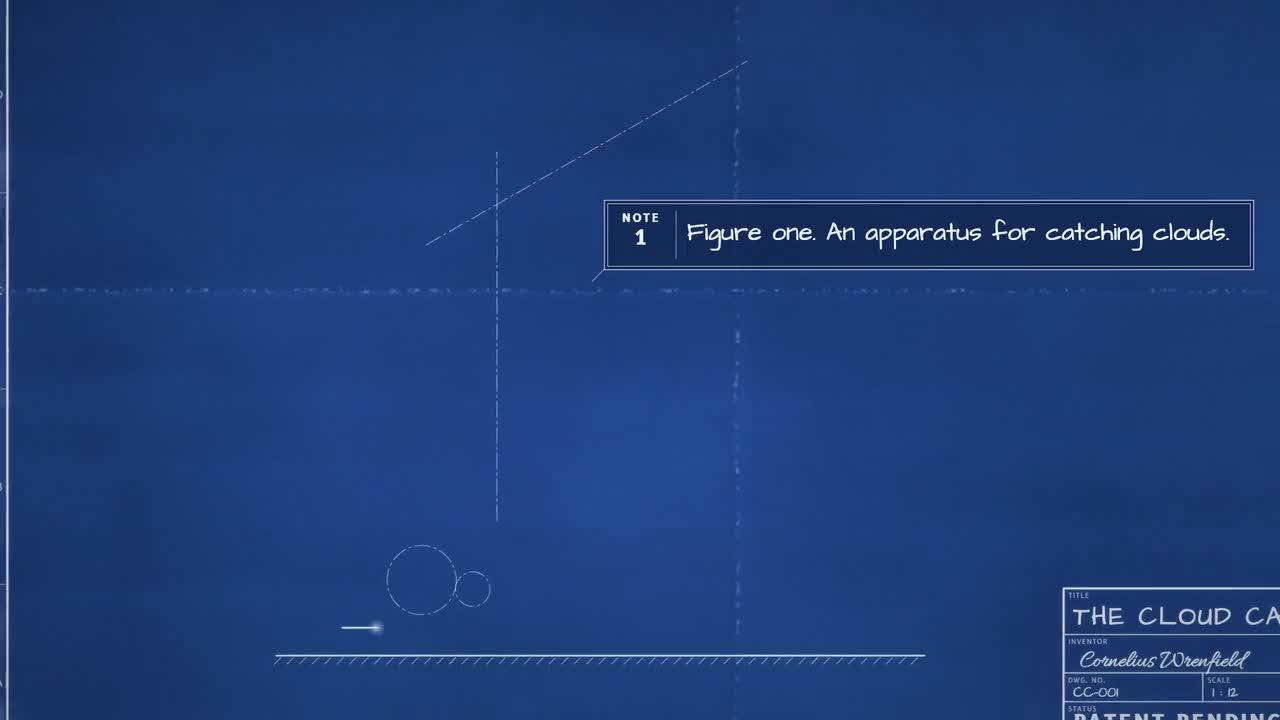
GPT Image 2 Opus 5.5 Guide: Exploded Blueprint Motion
Study an exploded engineering blueprint with GPT Image 2. Trace the fictional machine, component staging, labels, and motion checks to the supplied reference source.
Tutorial2026/10/03
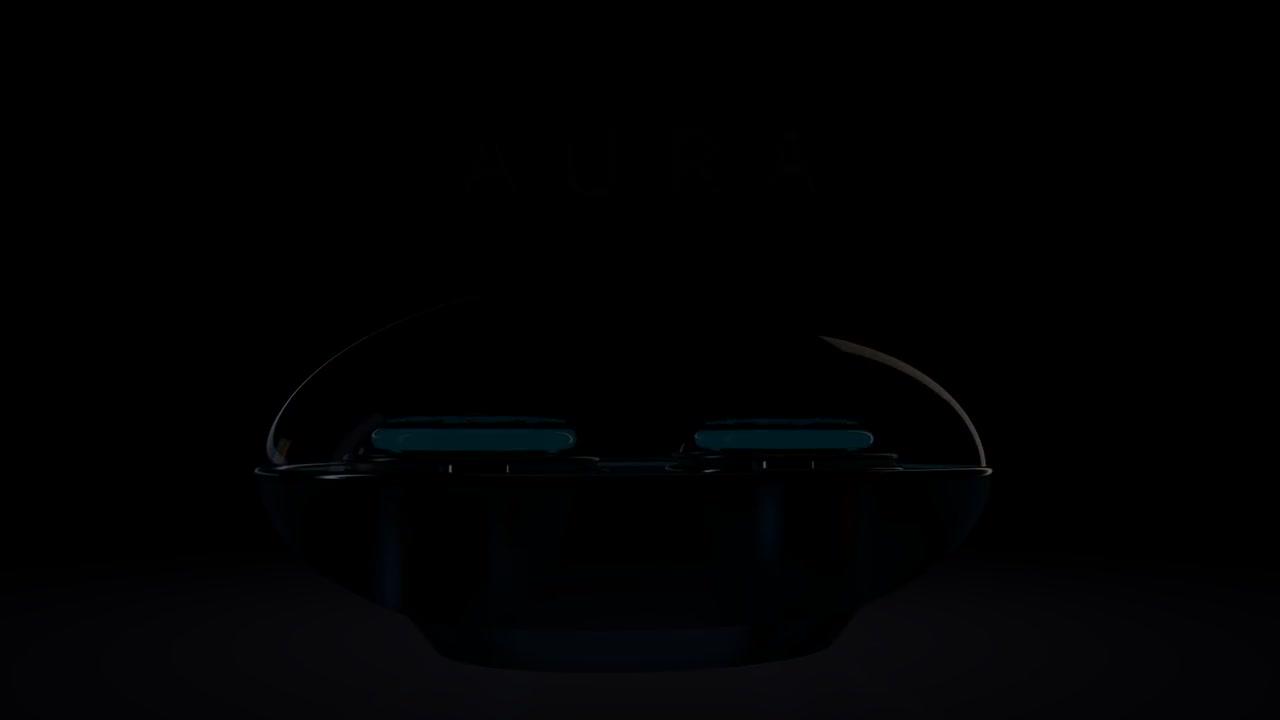
GPT Image 2 Opus 5.5 Guide: Glass Earbud Product Film
Study the fictional Aura earbud film with GPT Image 2. Review glass, unboxing, exploded views, lighting, and source-based checks before planning your own project.
Tutorial2026/10/03
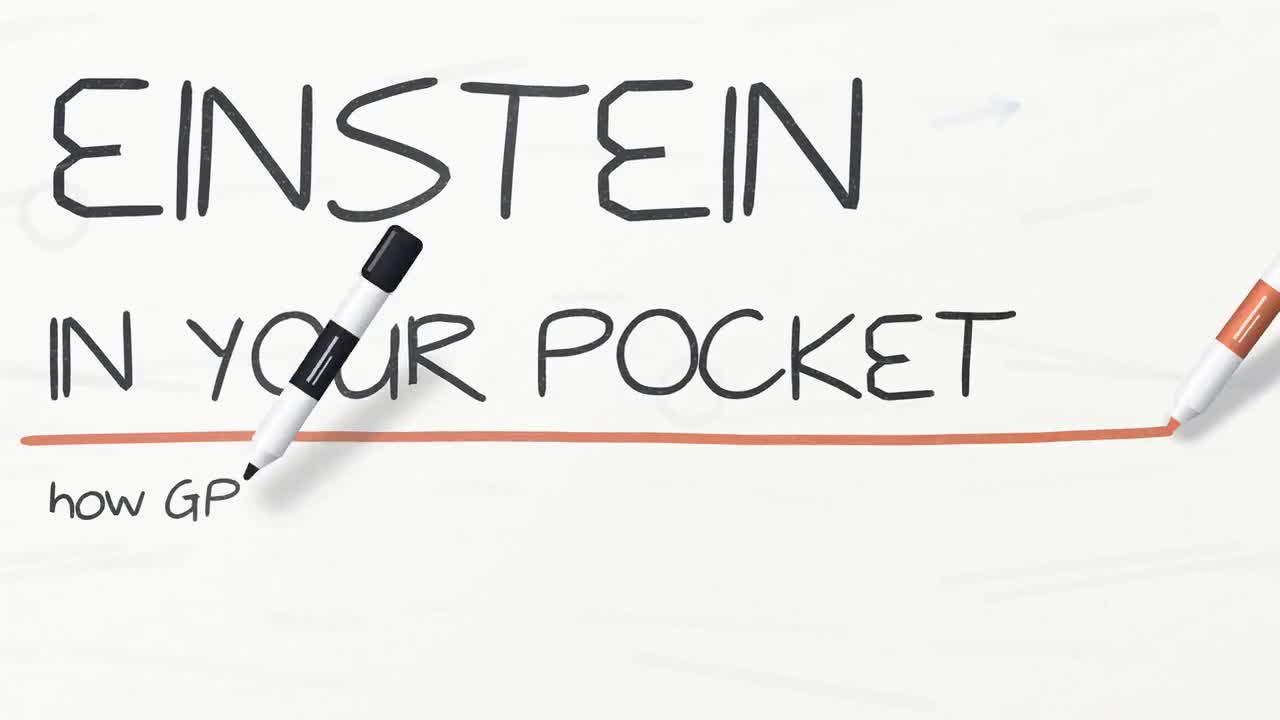
GPT Image 2 Opus 5.5 Guide: GPS Whiteboard Animation
Study the GPS whiteboard animation with GPT Image 2. Review diagrams, narration, source timing, and scientific claims before planning an explainer motion project.
Tutorial2026/10/03
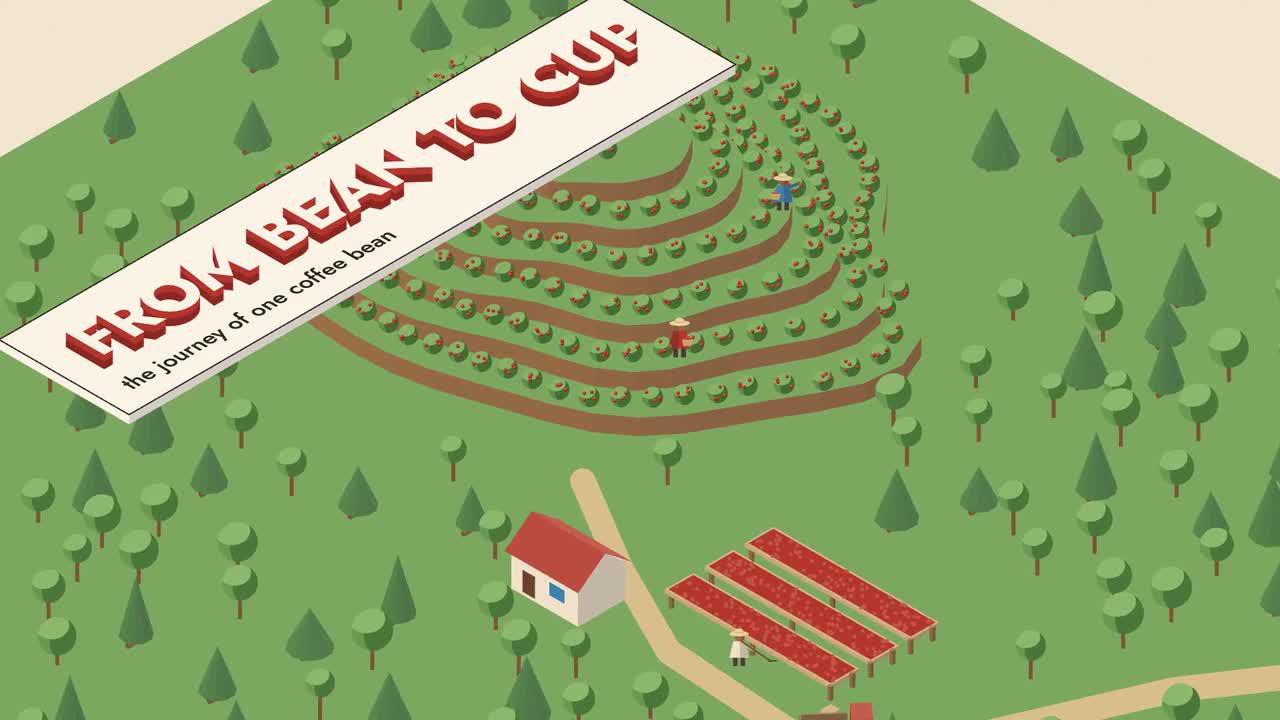
GPT Image 2 Opus 5.5 Guide: Isometric Coffee Journey
Study an isometric bean-to-cup film with GPT Image 2. Inspect the supplied source, scene transitions, labels, and movement before planning a motion project.
Tutorial2026/10/03
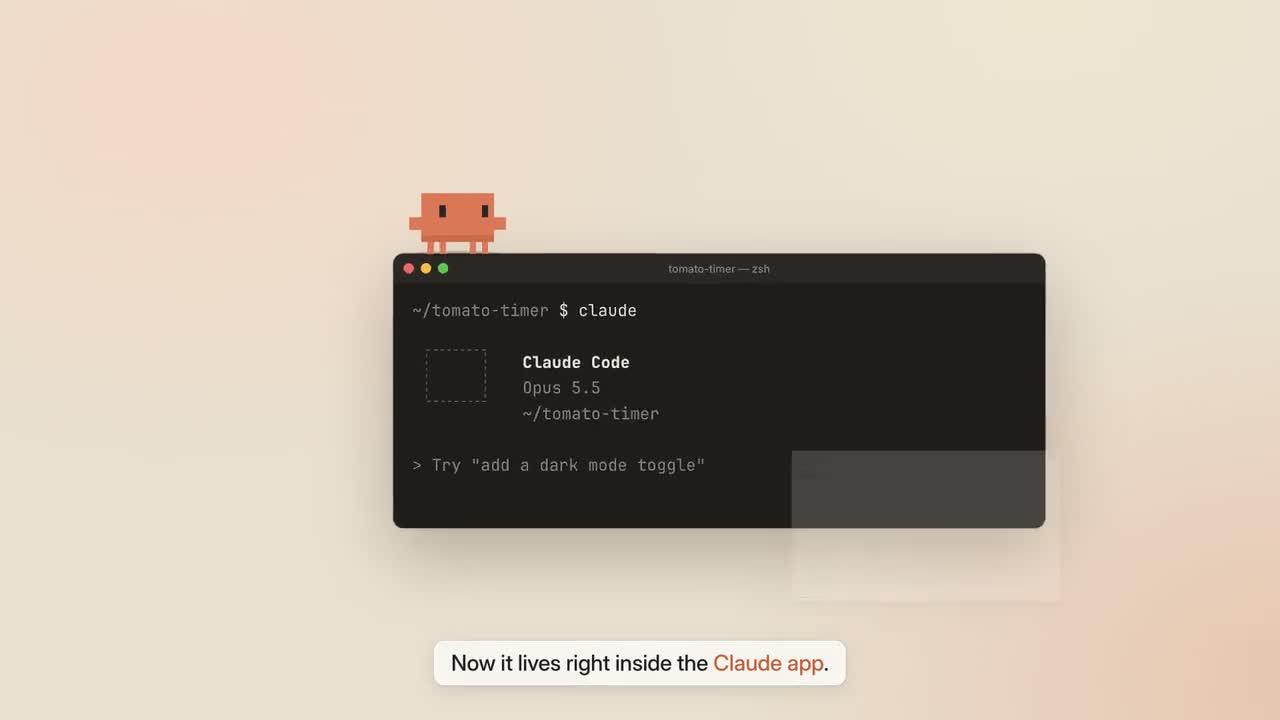
GPT Image 2 Opus 5.5 Guide: Living Screencast
Study a living screencast with GPT Image 2. Review Clawd, terminal windows, the Claude App, and source timing while separating a reference study from a verified run.
Tutorial2026/10/03
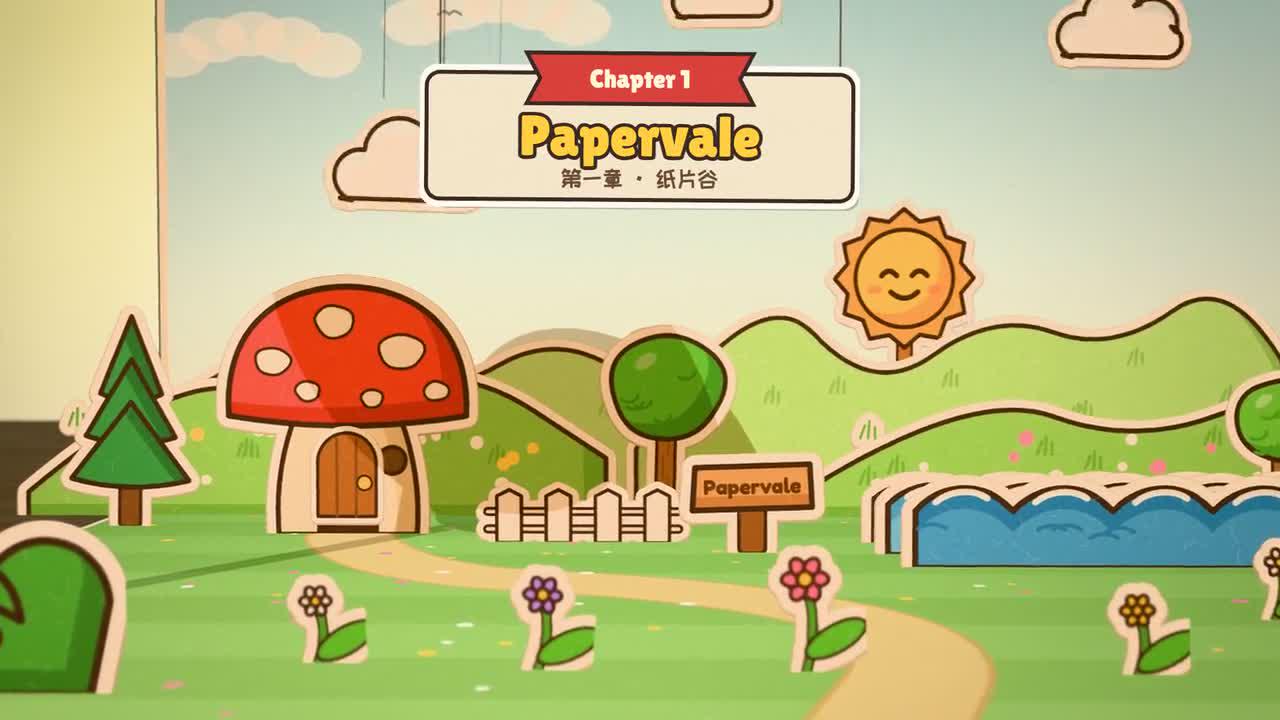
GPT Image 2 Opus 5.5 Guide: Pop-Up Book Adventure
Study a pop-up book adventure with GPT Image 2. Review page mechanics, camera movement, narration, and source-based checks before planning a motion project.
Tutorial2026/10/03
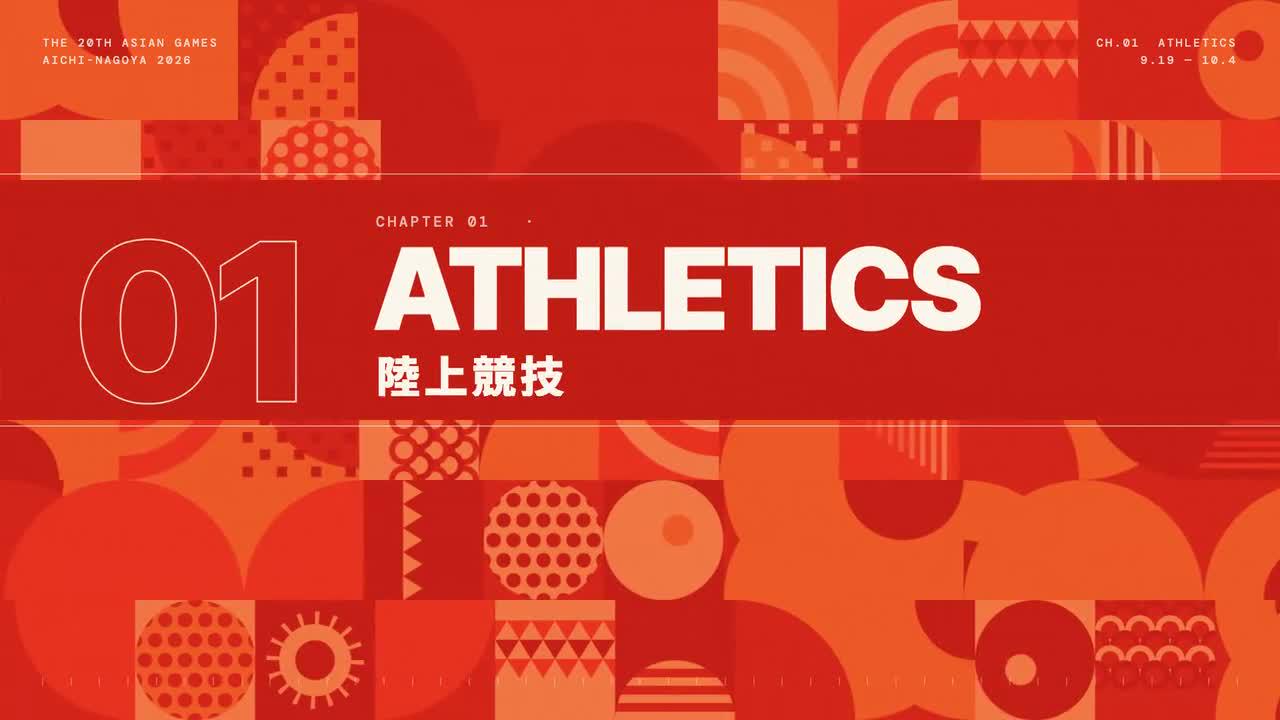
GPT Image 2 Opus 5.5 Guide: Sports Pictogram Motion
Study beat-synced sports pictograms with GPT Image 2. Review source shapes, timing, captions, and music cues before planning your own geometric motion project.
Tutorial2026/10/03
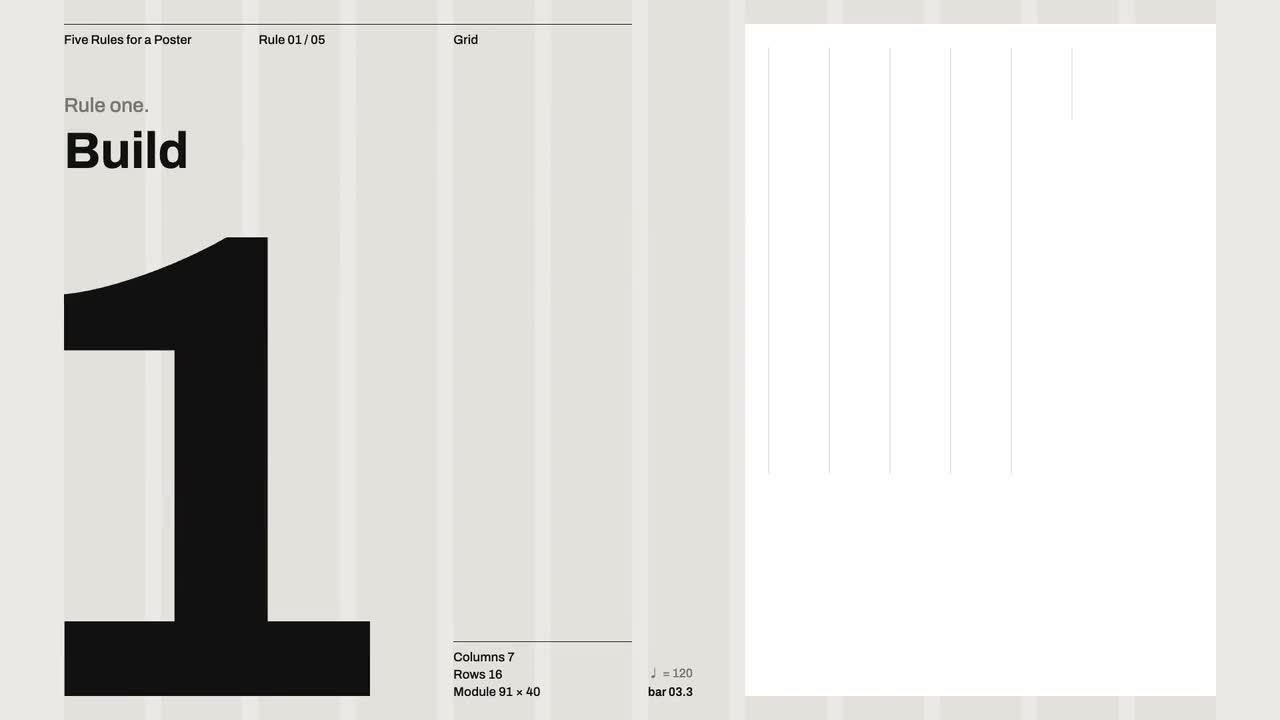
GPT Image 2 Opus 5.5 Guide: Swiss Design Poster Motion
Study a Swiss design poster animation with GPT Image 2. Inspect the grid, typography, motion sequence, and source checks before planning a concert-poster project.
Tutorial2026/10/03
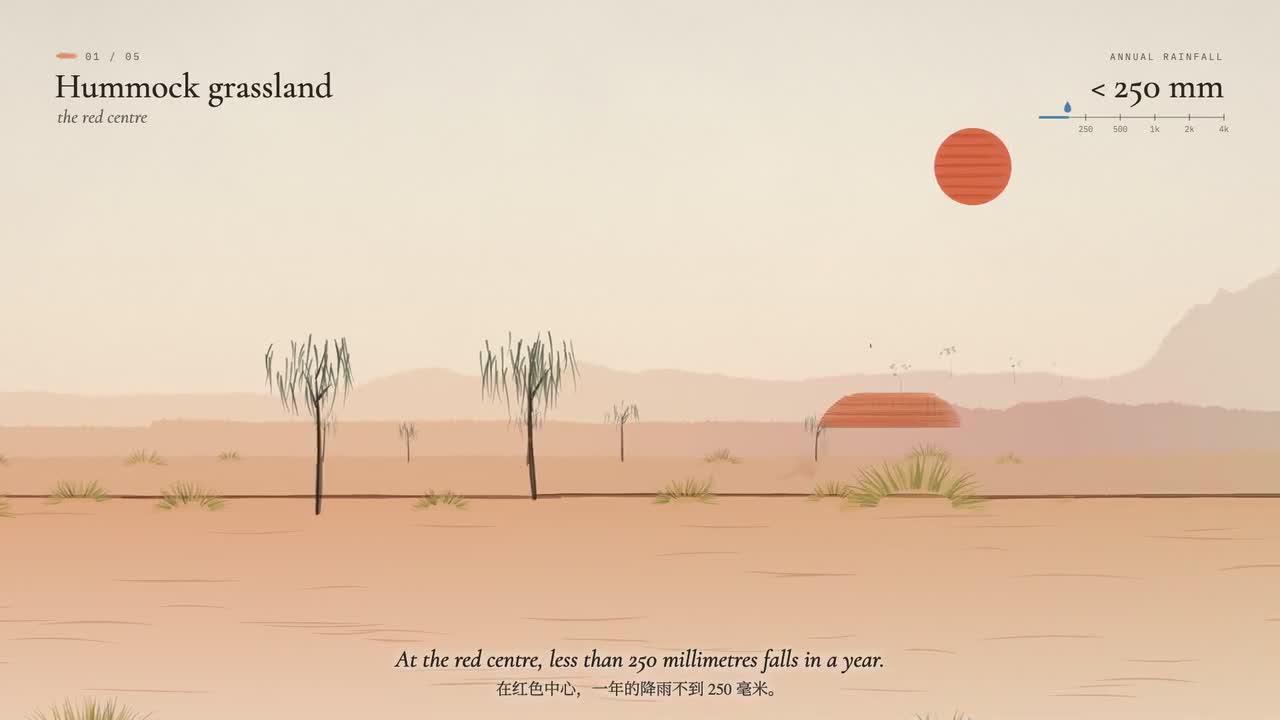
GPT Image 2 Opus 5.5 Guide: Watercolor Rain Film
Study a watercolor rain film with GPT Image 2. Review vegetation, source scenes, narration, and timing before planning a separate atmospheric motion project.
Tutorial2026/09/29
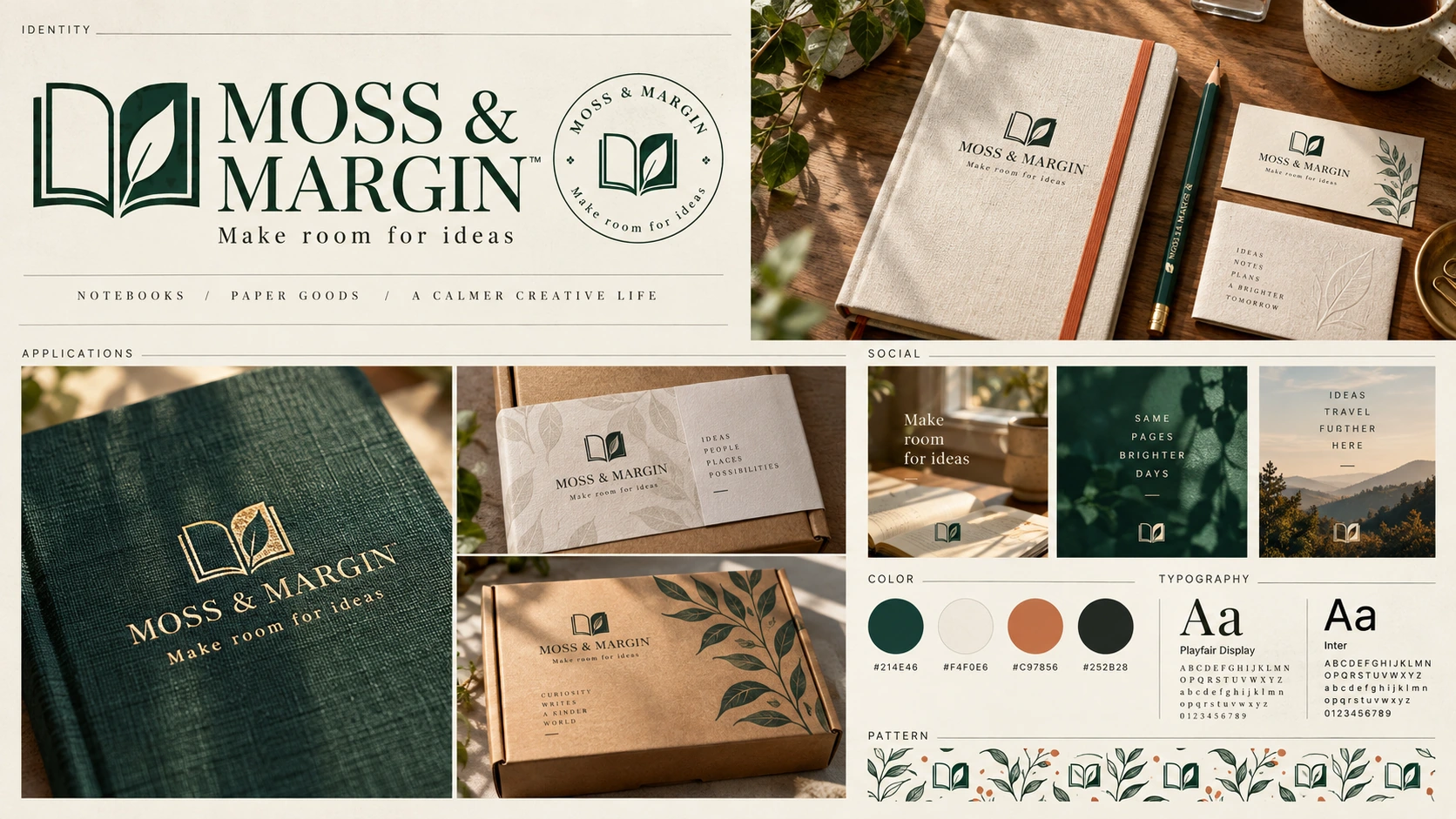
GPT Image 2 Brand Kit: GPT-Image-2 Concept to Handoff
Plan a small-business brand kit with GPT Image 2. Review the logo, color targets, typography, packaging, and social assets before preparing final files.
Tutorial2026/09/28
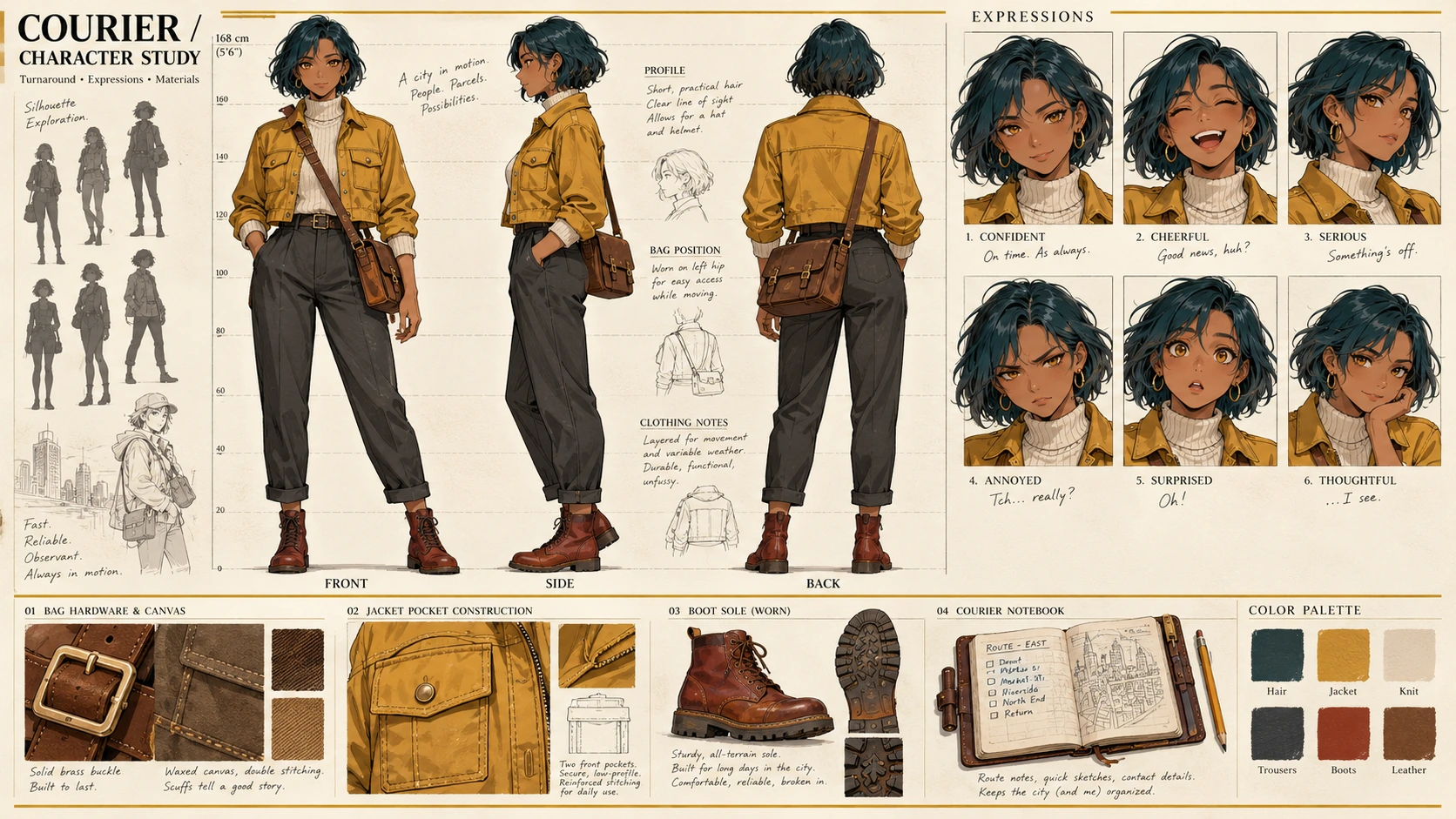
GPT Image 2 Character Sheet: GPT-Image-2 Views and Expressions
Create an anime character reference sheet with GPT Image 2. Check front, side, and back views, expressions, bag placement, and consistent design details.
Tutorial2026/09/26
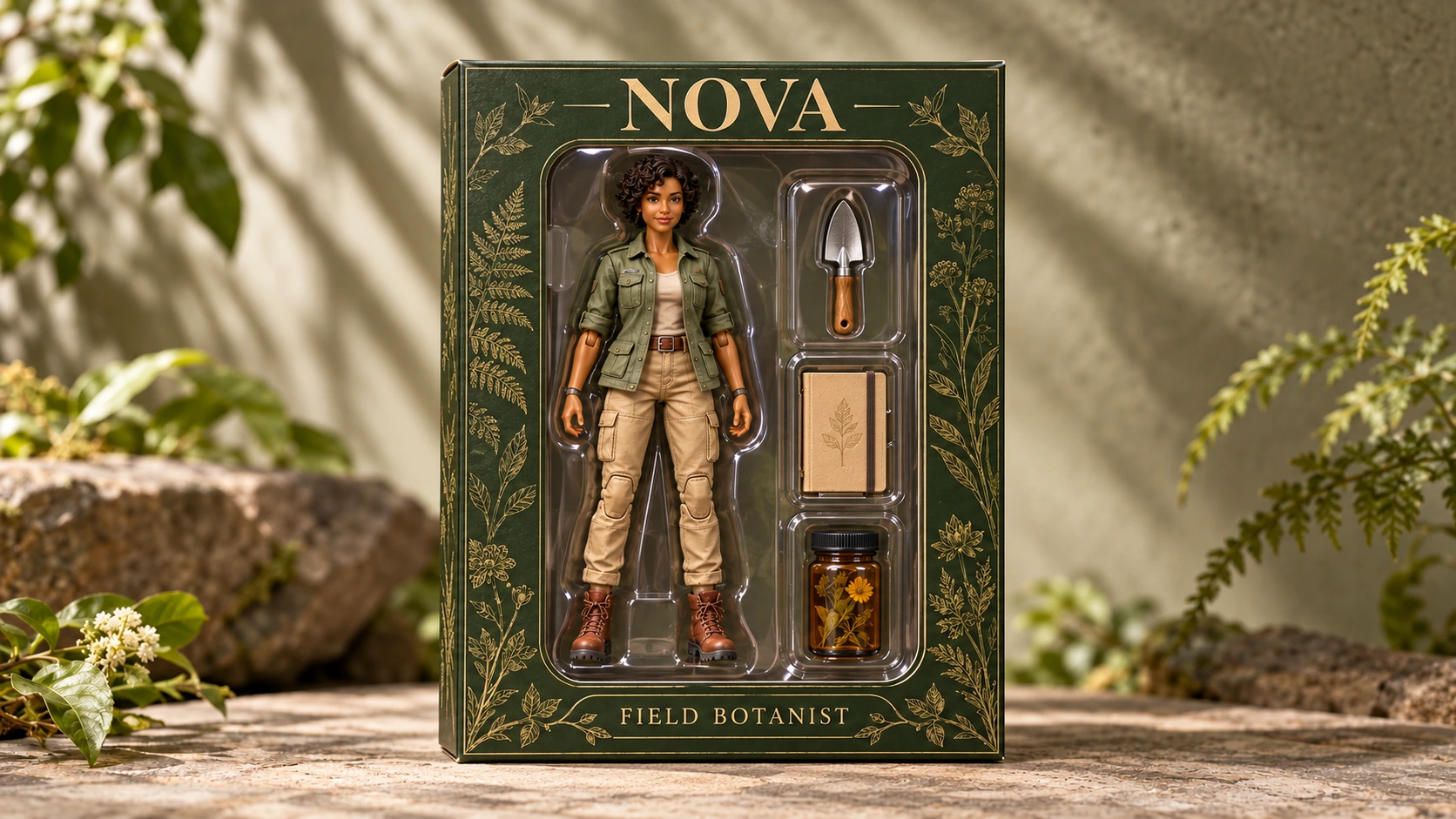
GPT Image 2 Action Figure Guide with GPT-Image-2
Plan an action figure concept with GPT Image 2. Check the figure, blister pack, accessories, exact labels, and visual references before accepting a draft.
Tutorial2026/09/25
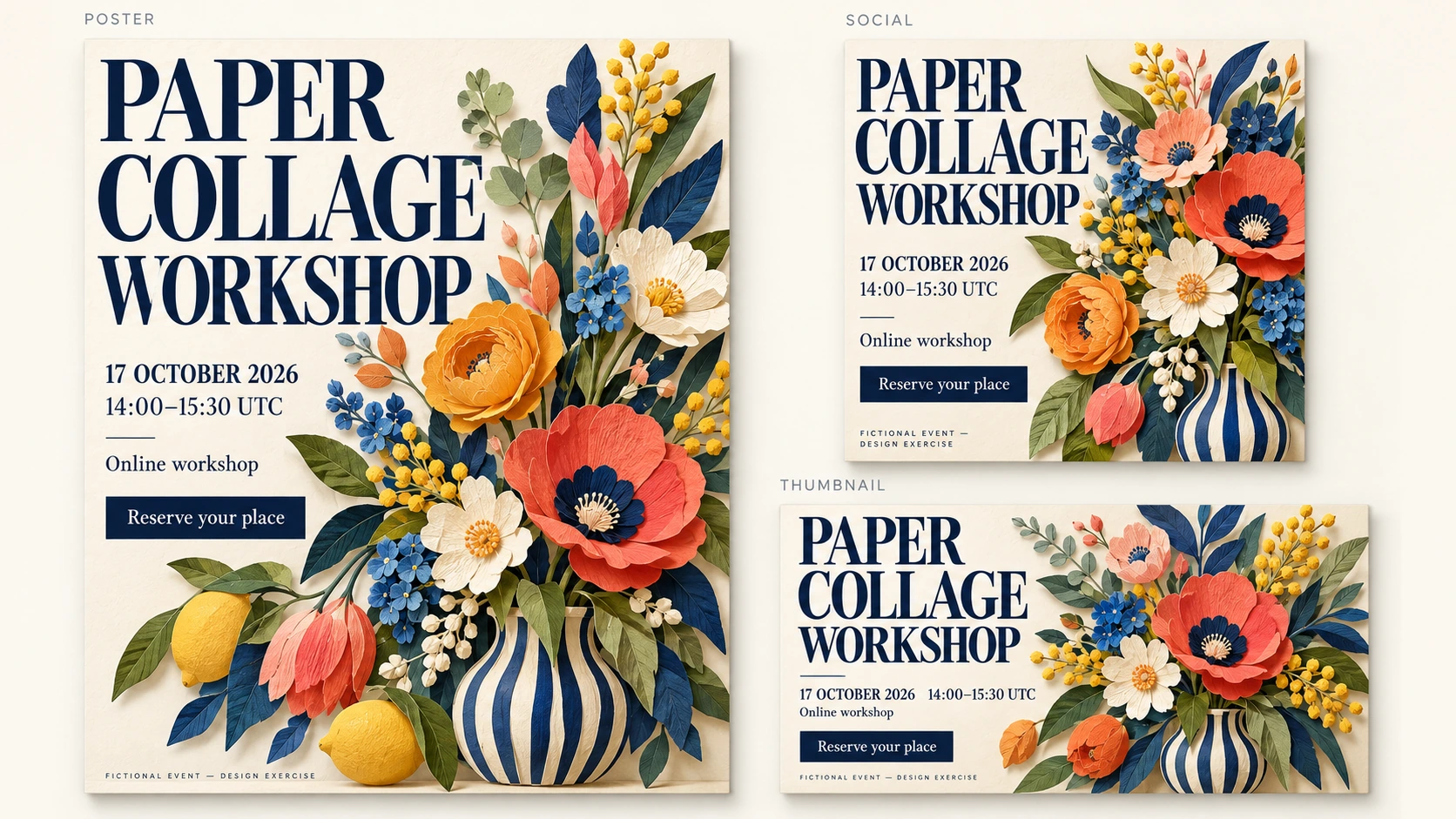
GPT Image 2 Poster Guide: Accurate Text with GPT-Image-2
Build a marketing poster concept with GPT Image 2. Keep event details exact, check spelling and layout, and prepare social covers and video thumbnails.
Tutorial2026/09/23
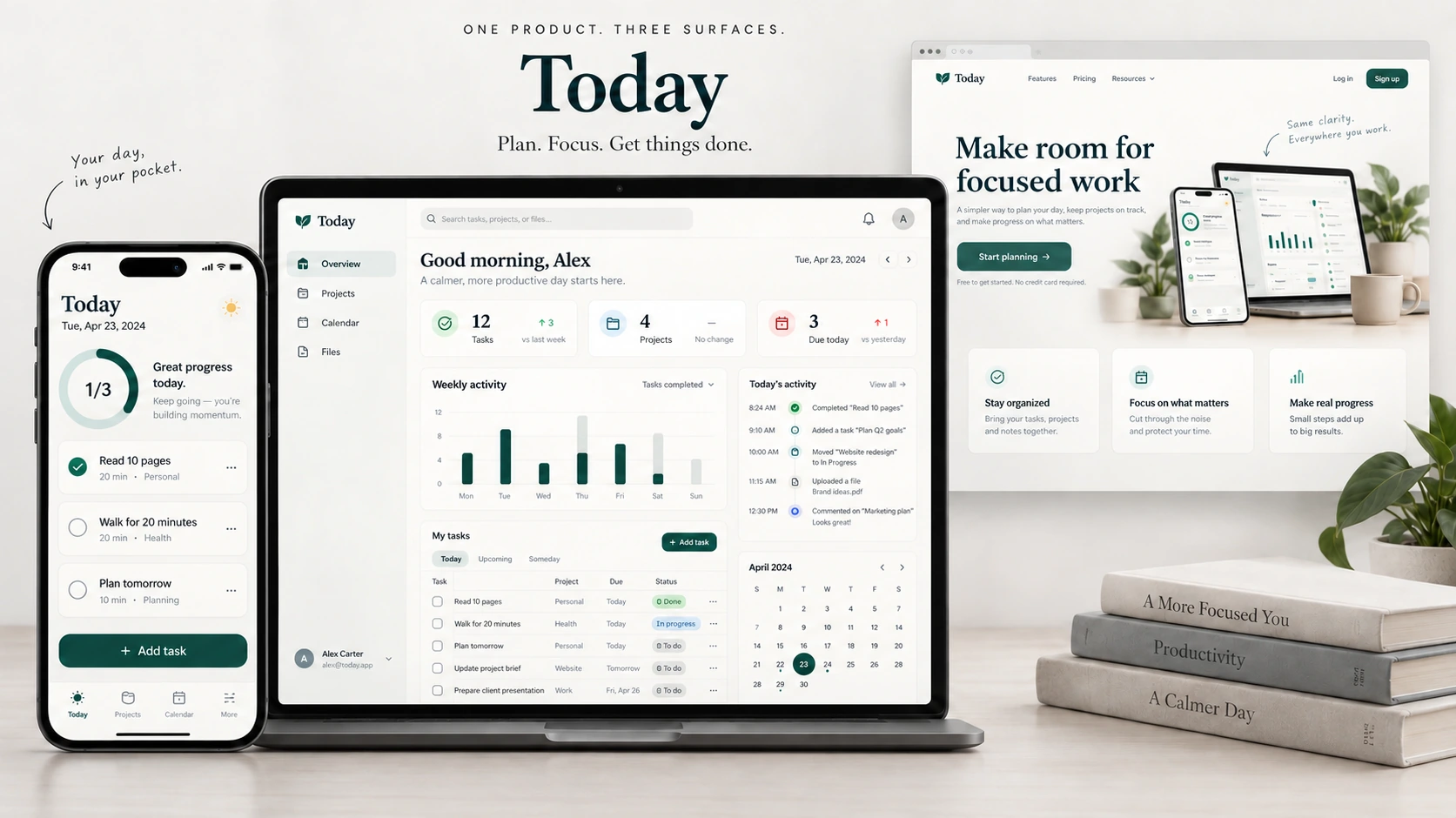
GPT Image 2 UI Mockups with GPT-Image-2: Static Concept Guide
Explore app and web UI concepts with GPT Image 2. Review screen layout, text, and visual hierarchy while separating a static mockup from working software.
Tutorial2026/09/21
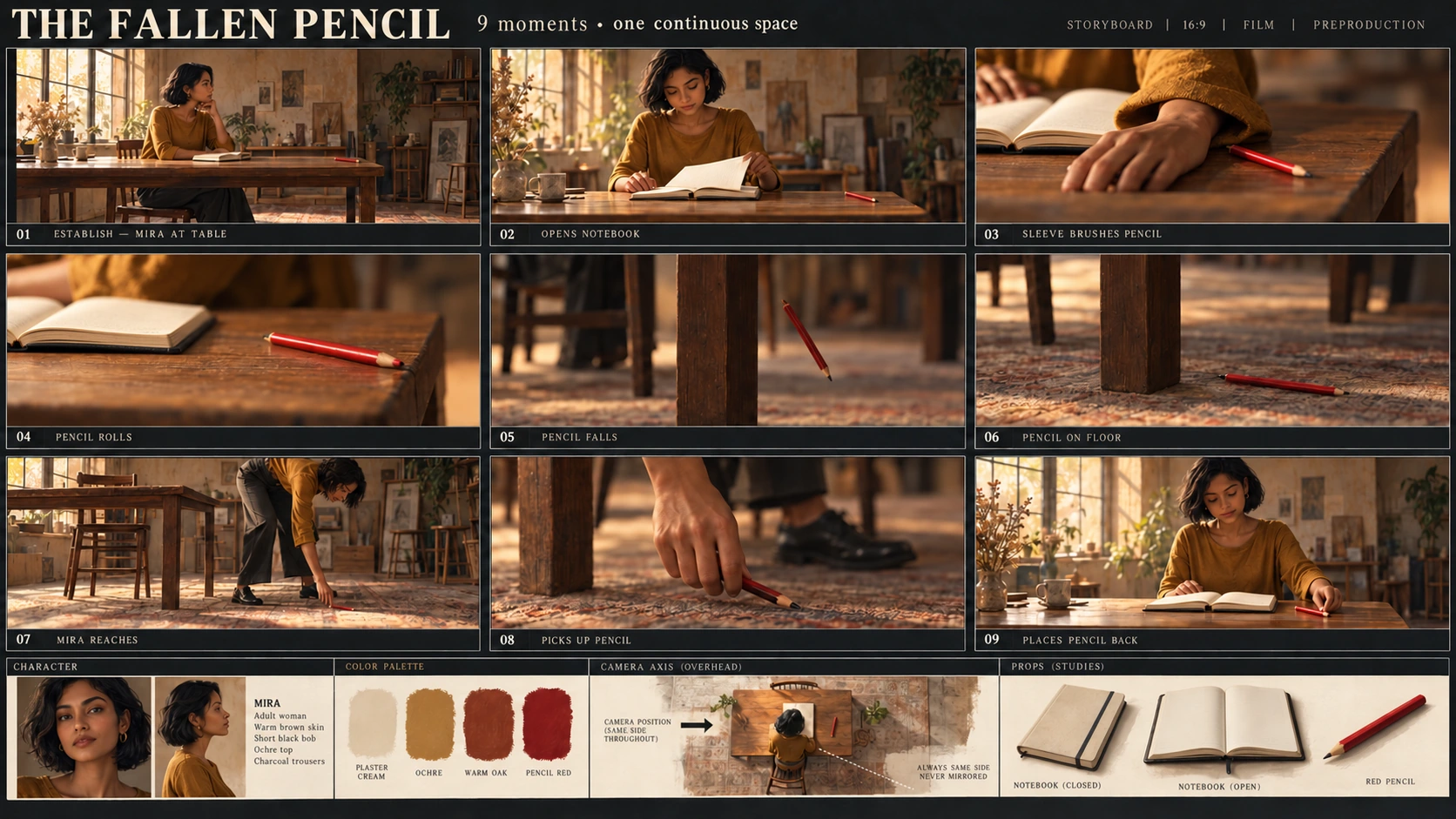
GPT Image 2 Storyboard Guide: Nine Panels with GPT-Image-2
Plan a nine-panel storyboard with GPT Image 2. Define the shot sequence, check character and prop continuity, and use the supplied prompt as a starting brief.
Tutorial2026/09/19
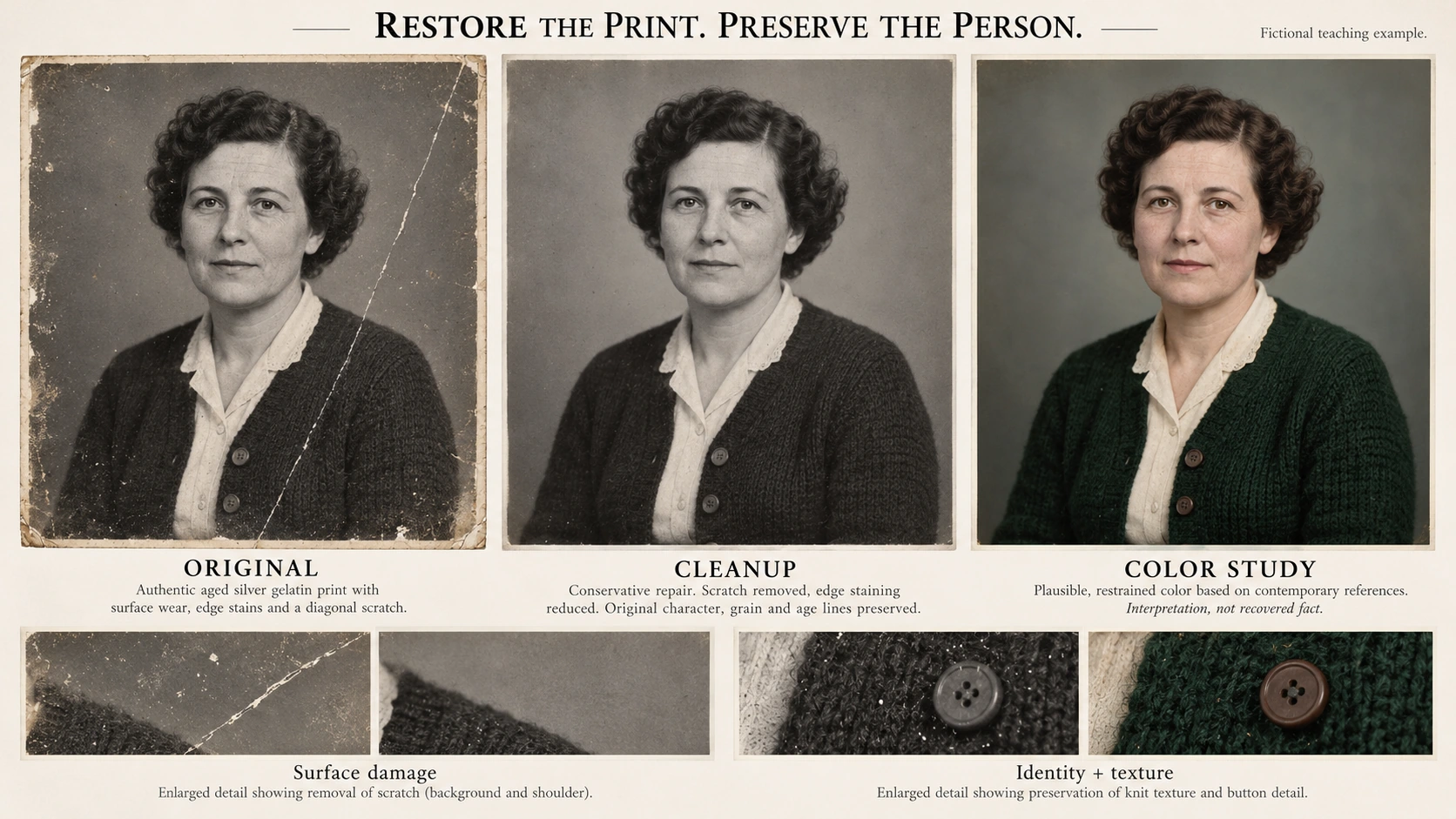
GPT Image 2 Photo Restoration Guide with GPT-Image-2
Use GPT Image 2 to explore old-photo cleanup. Review scratches, detail, and colorization while preserving the source and checking changes to faces and evidence.
Tutorial2026/09/17
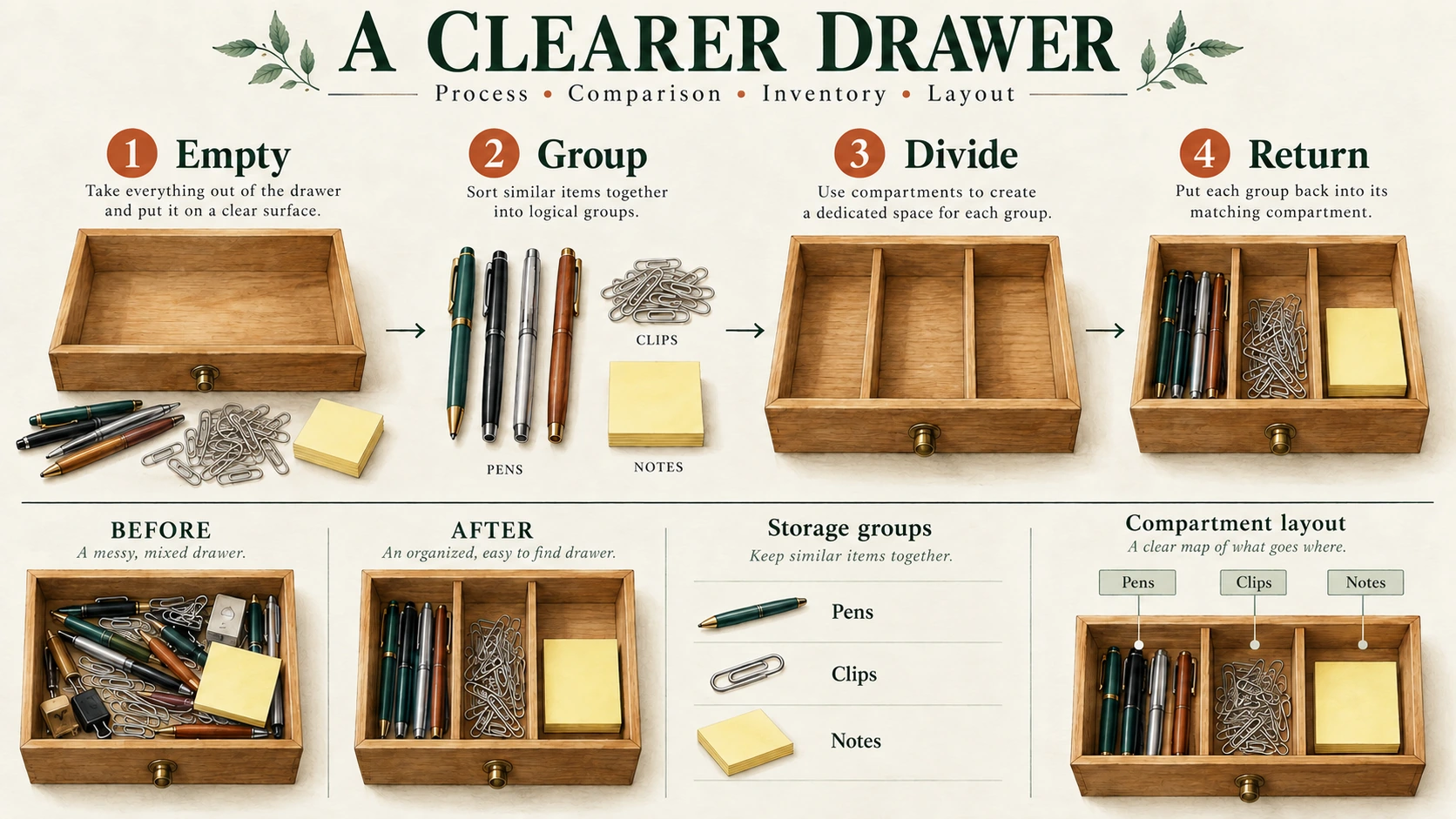
GPT Image 2 Infographic Guide: Accurate Text with GPT-Image-2
Plan an infographic with GPT Image 2. Keep the process, labels, figures, and comparison rules explicit, then check the generated layout against the source.
Tutorial2026/09/16
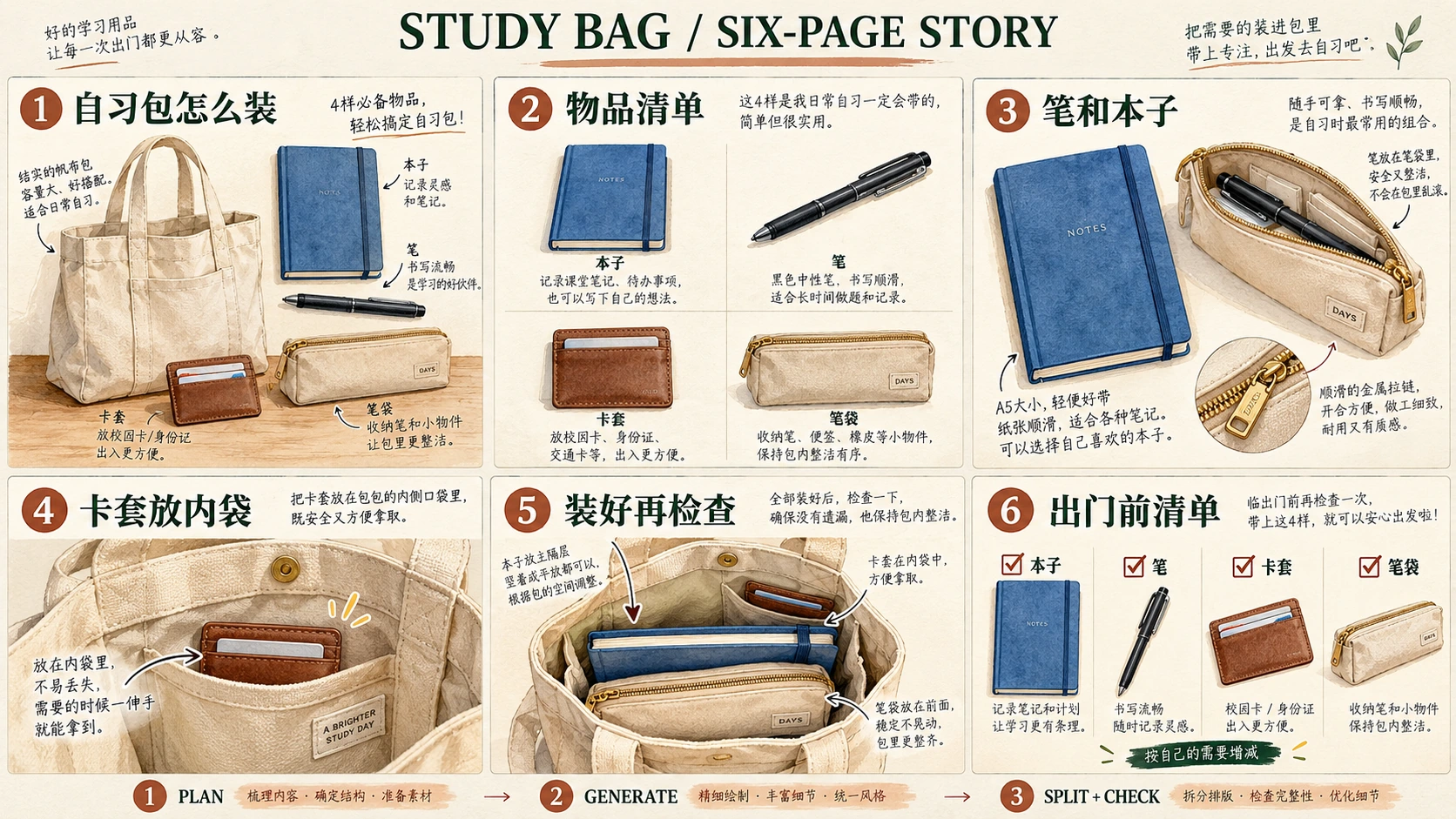
GPT Image 2 Xiaohongshu Guide: Six Pages with GPT-Image-2
Plan a Xiaohongshu grid post with GPT Image 2. Check the copy, panel sequence, splits, and source dimensions before preparing the separate post images.
Tutorial2026/09/14
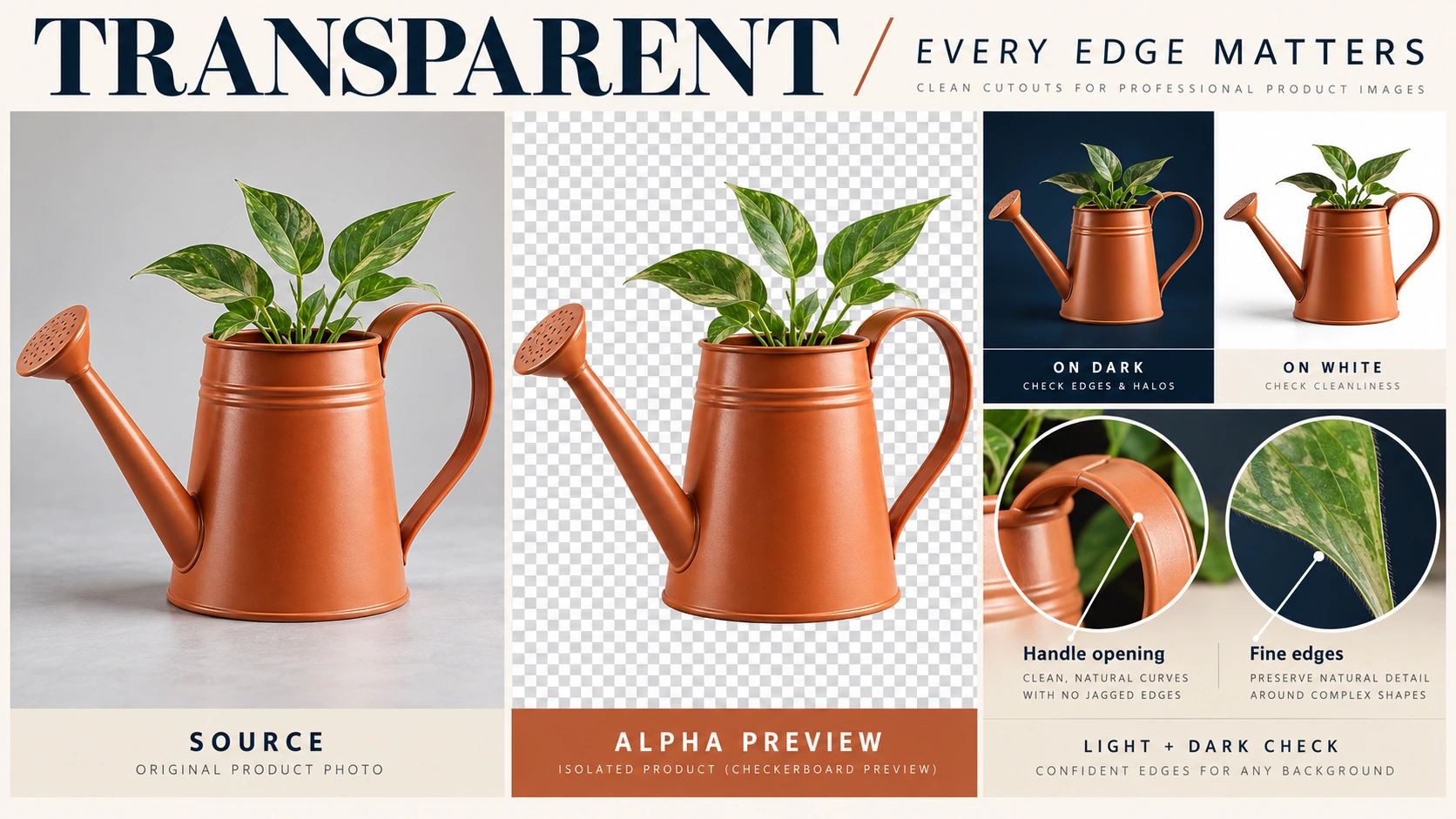
GPT Image 2 Transparent PNG Guide: Alpha and Edge Checks
Review transparent PNG preparation with GPT Image 2. Inspect real alpha, edge quality, and export limits rather than treating a checkerboard picture as transparency.
Tutorial2026/09/12
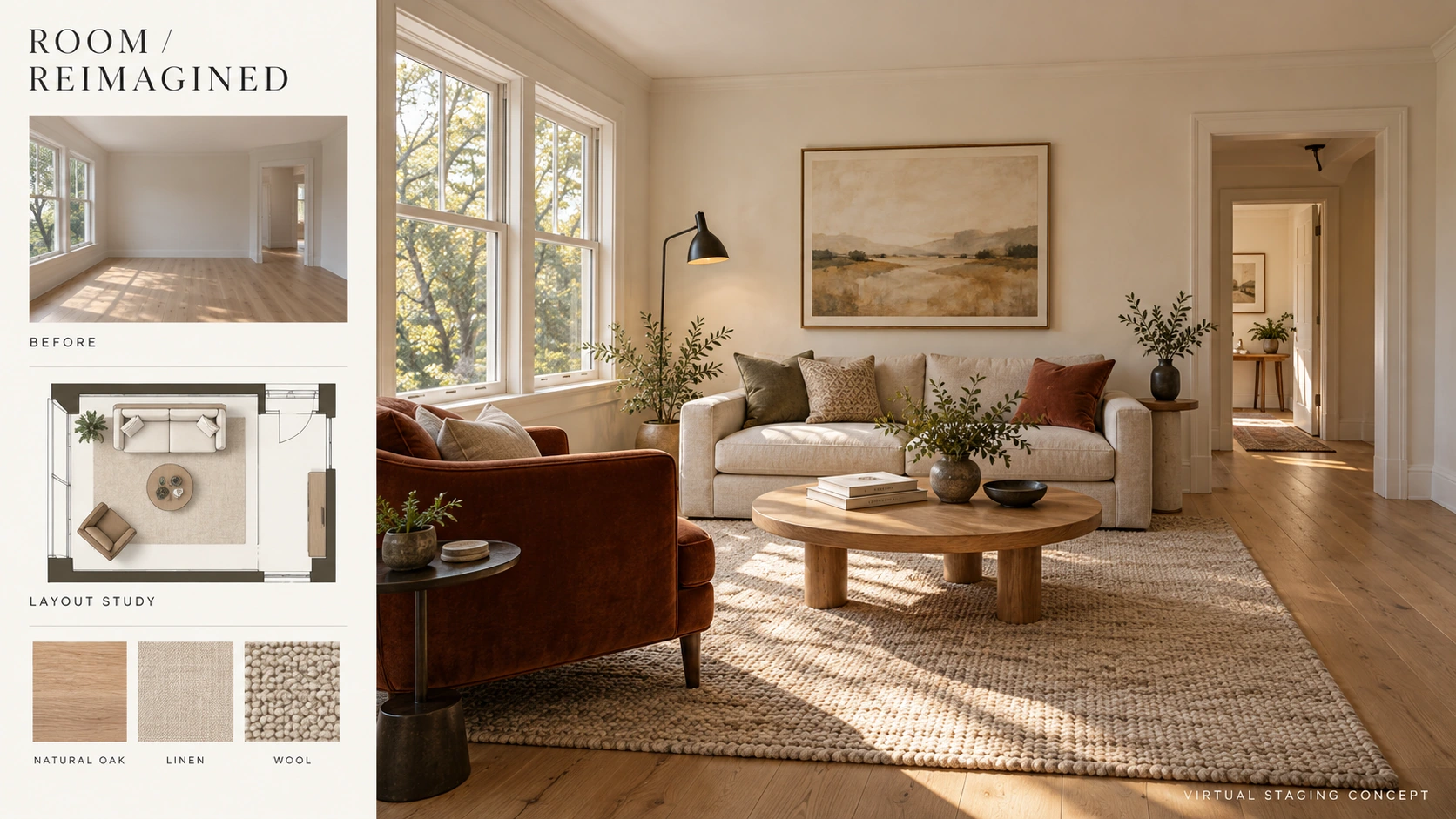
GPT Image 2 Virtual Staging Guide with GPT-Image-2
Explore virtual staging with GPT Image 2. Review room structure, furniture scale, and listing disclosures while keeping redesign concepts distinct from property facts.
Behind the scenes2026/09/11
GPT Image 2 MiniMax H3 Max Prompts: Reference Collection Guide
Explore the MiniMax H3 Max prompt collection on GPT Image 2. Understand its source clips, prompt records, model differences, and limits before trying an example.